Google Review QR Code Generator

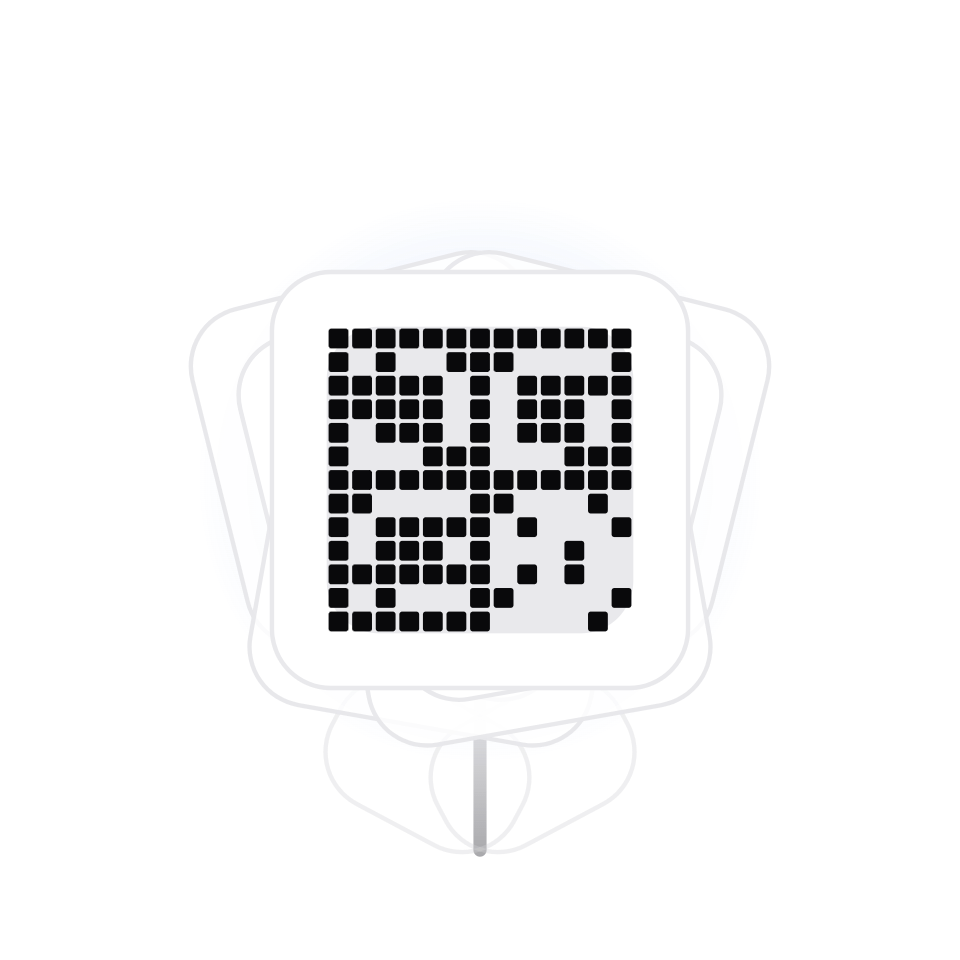
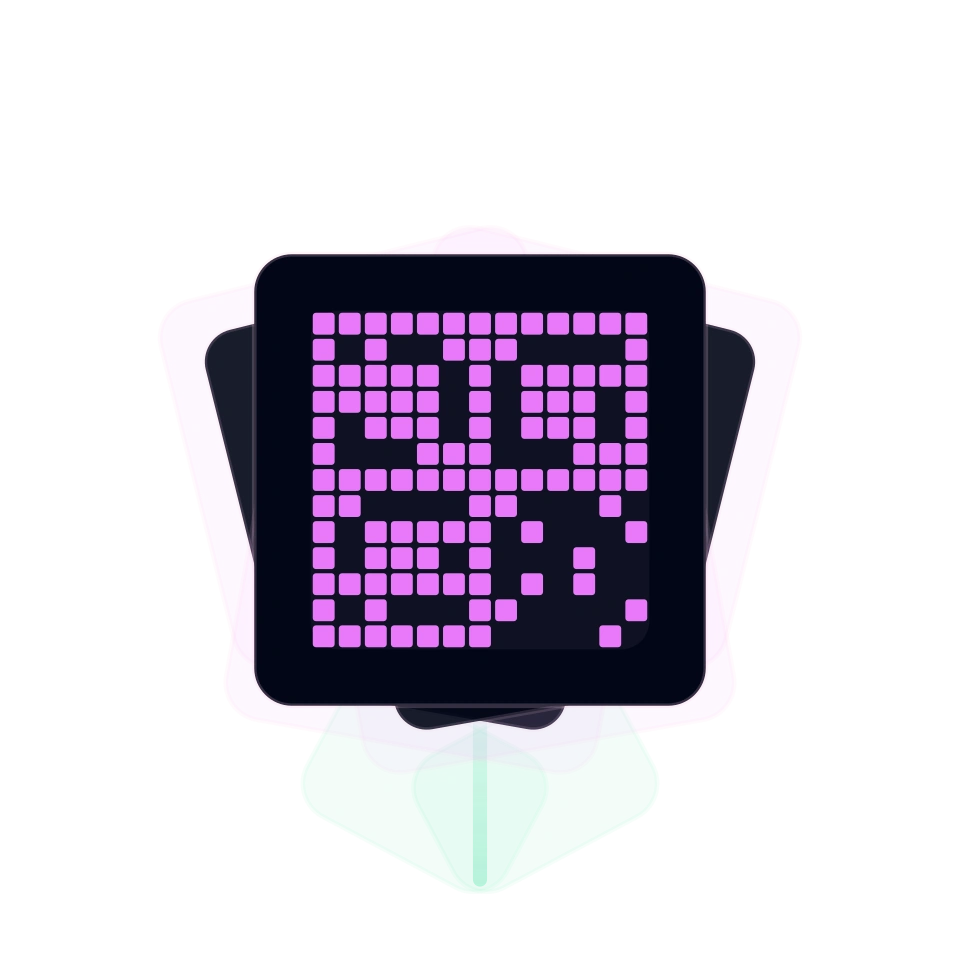
Create a QR code that opens your Google Review link after scanning.

Create QR Code

Google Review QR

Dynamic

Live preview

See the QR before you export it

Export format

SVGPDF

Export size

QR guide

A link QR code sends scanners to a website, landing page, signup form, payment link, or any public http(s) URL. It is useful when offline materials need a quick path to online content.

How to create it

  1. 1Paste the destination URL and confirm that it starts with http:// or https://.
  2. 2Add an optional QR name so the campaign is easier to recognize later.
  3. 3Choose static mode for a fixed URL or dynamic mode when your plan supports editable destinations, then style and download the QR.

Use cases

  • Flyers and posters

    Move people from print to a landing page, offer, event signup, or product page.

  • Packaging

    Connect labels and boxes to manuals, warranty pages, ingredients, or reorder links.

  • Events

    Send attendees to agendas, maps, ticket pages, surveys, or post-event content.

  • Retail and services

    Place a scannable shortcut on counters, windows, menus, and appointment cards.

FAQ

What is a link QR code?

It is a QR code that opens a web URL after scanning, so people do not need to type the address.

Can I edit the destination after printing?

Use dynamic mode when your plan supports editable destinations. Static QR codes keep the original URL.

Which URLs are supported?

Use valid http:// or https:// links that are public and safe for scanners to open.

Can I track scans?

Scan analytics are available for supported dynamic QR workflows and plans.

How do I make the QR reliable?

Use a short trusted destination, test the scan on a phone, and keep enough contrast in the QR design.